
Photo to Text Converter

What is Photo to Text Converter?
Photo to Text Converter, an intuitive online OCR platform by the team behind photototext.ai, is a cutting-edge image-to-text extraction AI tool that offers various options tailored for different needs. With models/versions like Simple, Advanced, DeepSeek OCR, and GLM OCR, this tool provides flexibility and power for users across diverse fields.
Features:
- Instant online OCR: Start converting without creating an account, with a credit-per-page setup that keeps basic extraction fast and accessible.
- Multiple format support: JPG, PNG, WEBP, HEIC, TIFF, PDF, and more can be dropped straight into the converter, so there is no need to reformat files first.
- Advanced mode: Higher accuracy with styles, headings, and tables makes it ideal for blurry photos, tilted pages, handwriting, and crowded layouts.
- Copy or download: Results can be copied with formatting or downloaded as DOCX, Markdown, or TXT, giving you flexible ways to reuse the extracted text.
- Direct Word and Excel workflows: Dedicated JPG to Word and JPG to Excel converters turn photos into editable .docx or XLSX, CSV, and TSV files in just a few clicks.
- Privacy protection: Concerned about your files? Guest conversions are not transmitted or stored, and signed-in users can delete saved results anytime.
Use Cases:
- Screenshots you can’t select: When an app locks selection or the text exists only in an image, this tool makes it easy to copy the words you need.
- Scanned PDFs and document pages: Turn scans and PDF pages into searchable, reusable text without manual retyping.
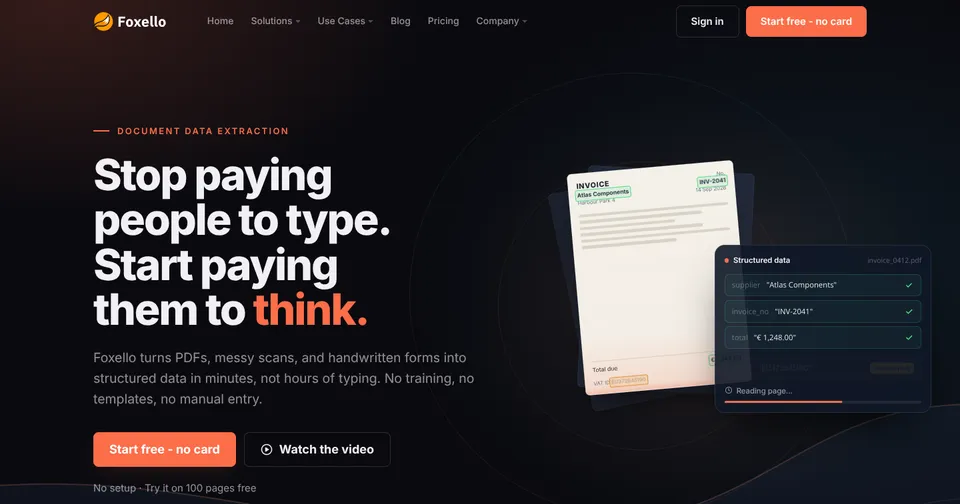
- Receipts and invoices to Excel: Pull totals and line items from a photo into a spreadsheet instead of typing them by hand.
- JPG to Word for documents: Convert a scanned page, locked screenshot, or printed worksheet into an editable Word file when a quick copy is not enough.
- Table photos into spreadsheets: Extract grid-based images into editable rows and columns, then download XLSX, CSV, or TSV for further work.
- Handwriting and difficult photos: Advanced OCR helps with blurry shots, tilted pages, and cramped layouts that need more than a quick copy.
From quick screenshot extraction to full document conversion, Photo to Text Converter combines fast OCR with flexible output options that fit real workflows. Whether you are a student capturing lecture notes, a professional digitizing receipts, or anyone who regularly needs text from images, Simple, Advanced, DeepSeek OCR, and GLM OCR modes let you match the right level of accuracy to each task.